OP Tour
OP Features and Benefits
Tracks and controls all printing activity with quotas and restrictions
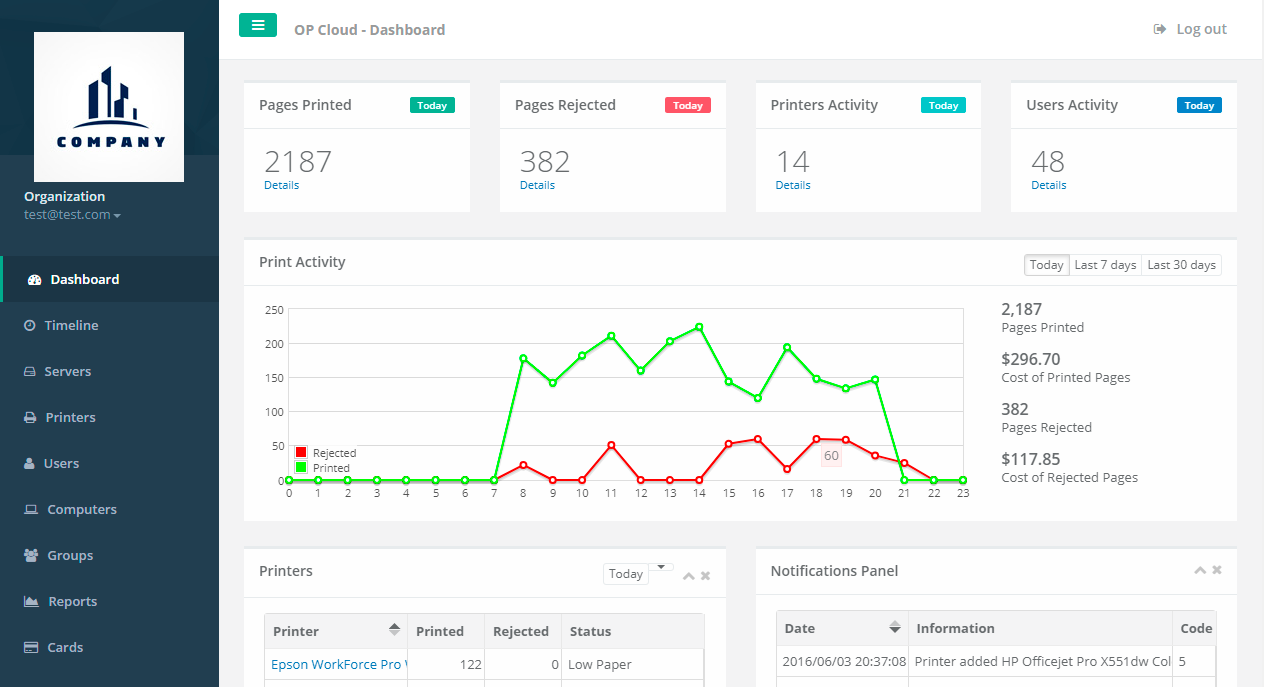
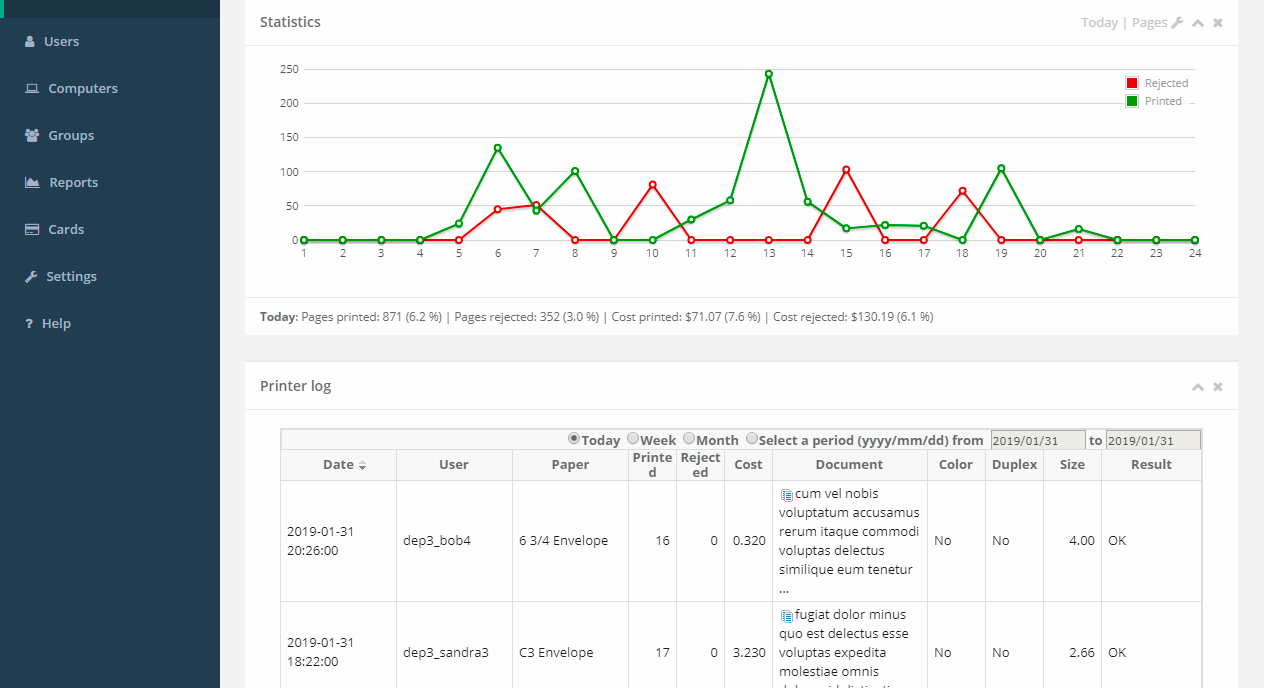
Advanced reports and charts
High-performance internal database engine
Works with most popular databases
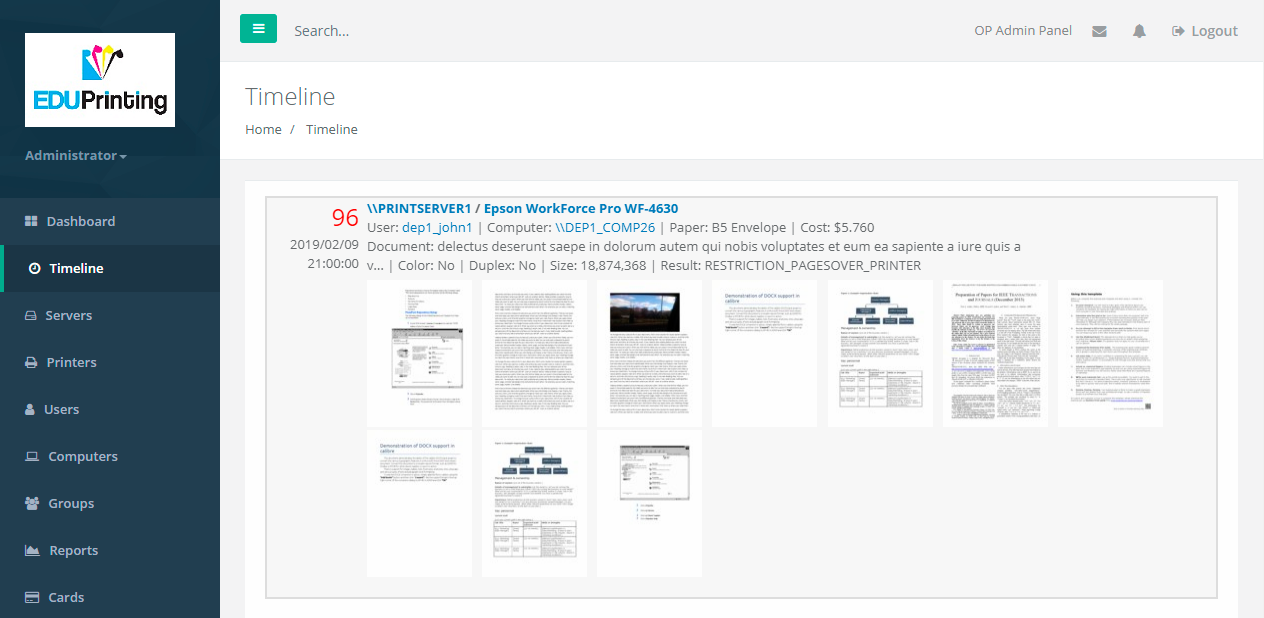
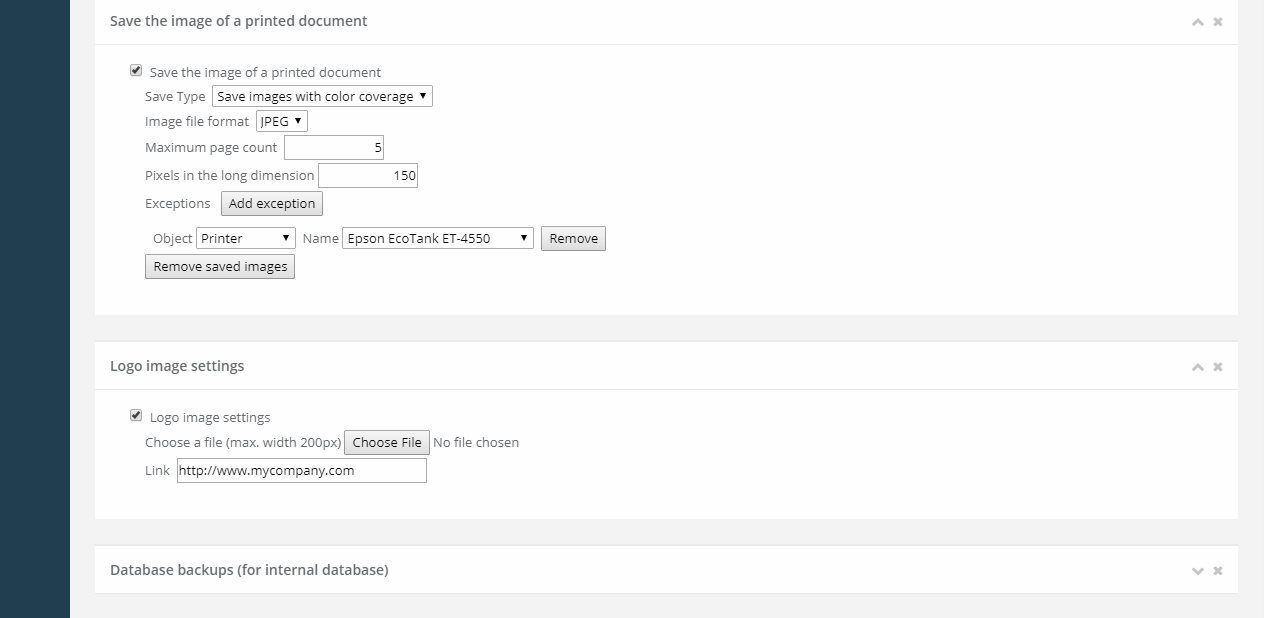
Save the printed document as an image
Desktop and cloud versions
Mixing HTTP and HTTPS access
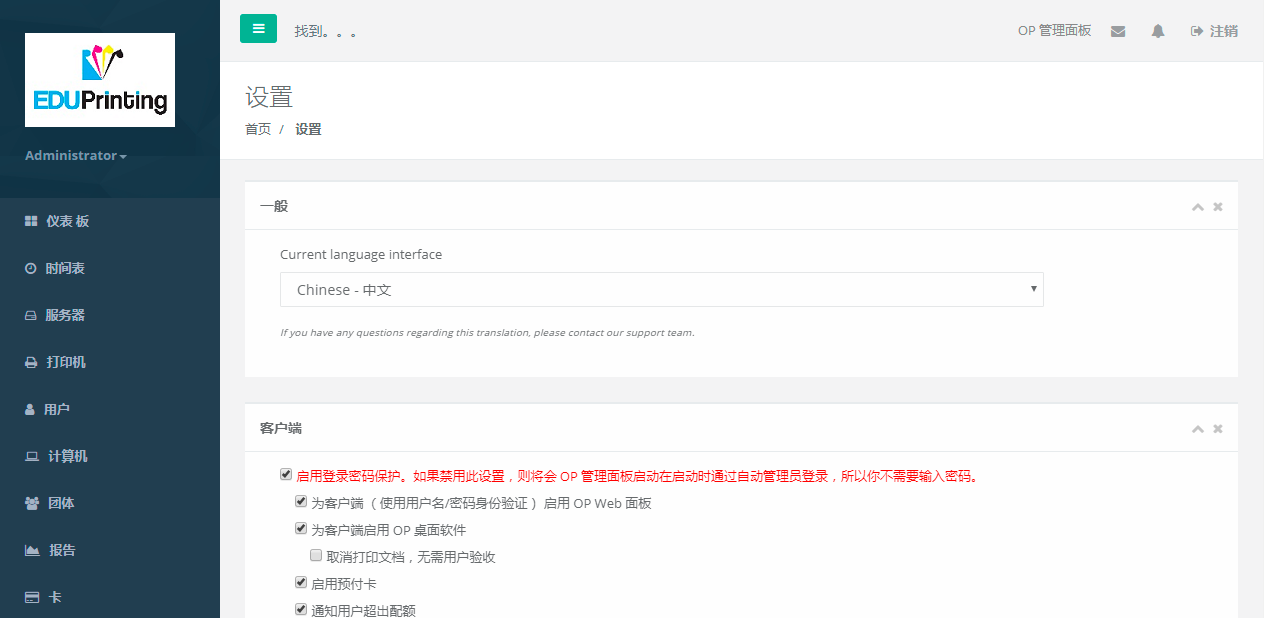
Multilingual support
40-day unlimited trial of the full version
Unlimited number of users, printers, computers, print servers
No additional payments
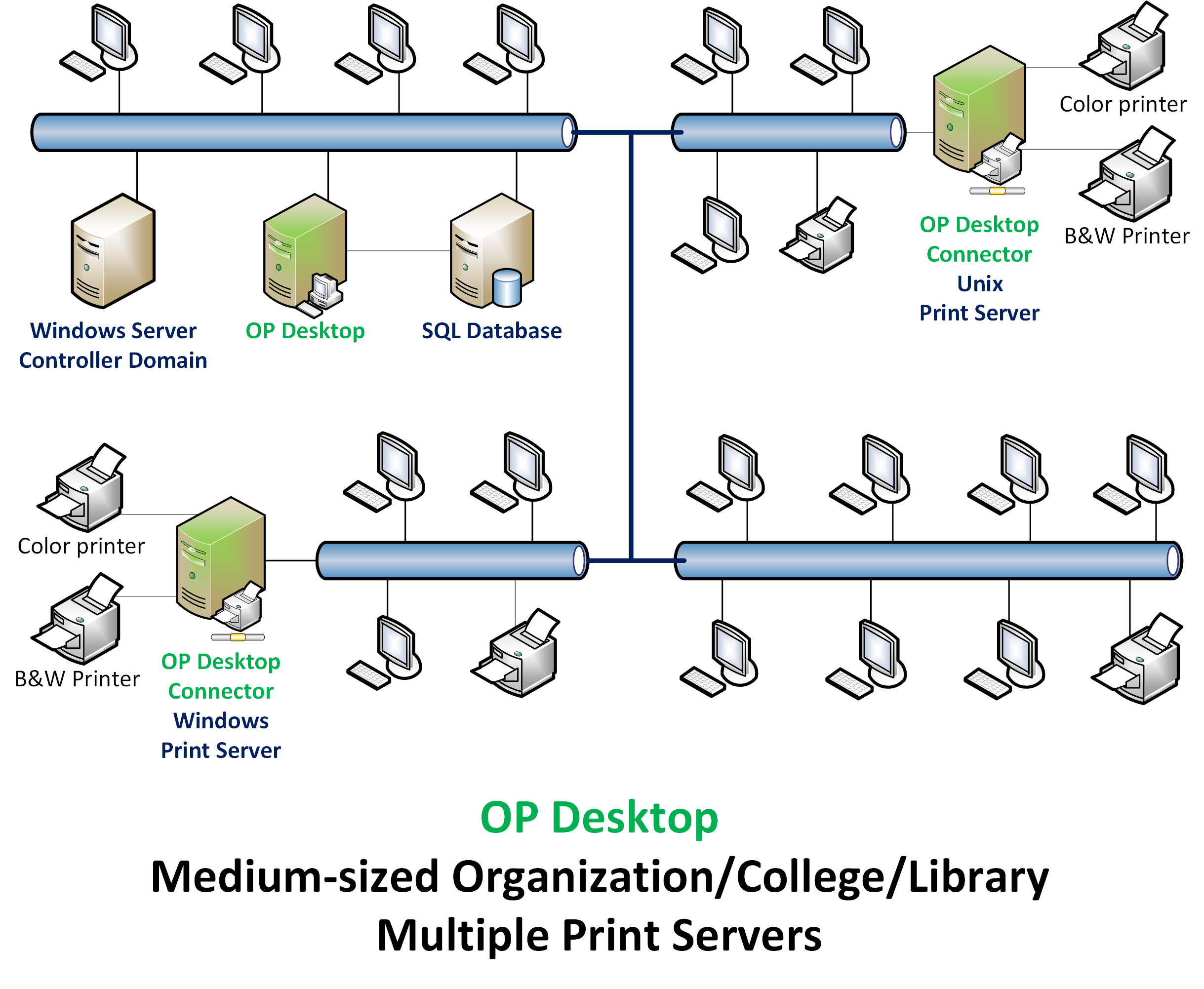
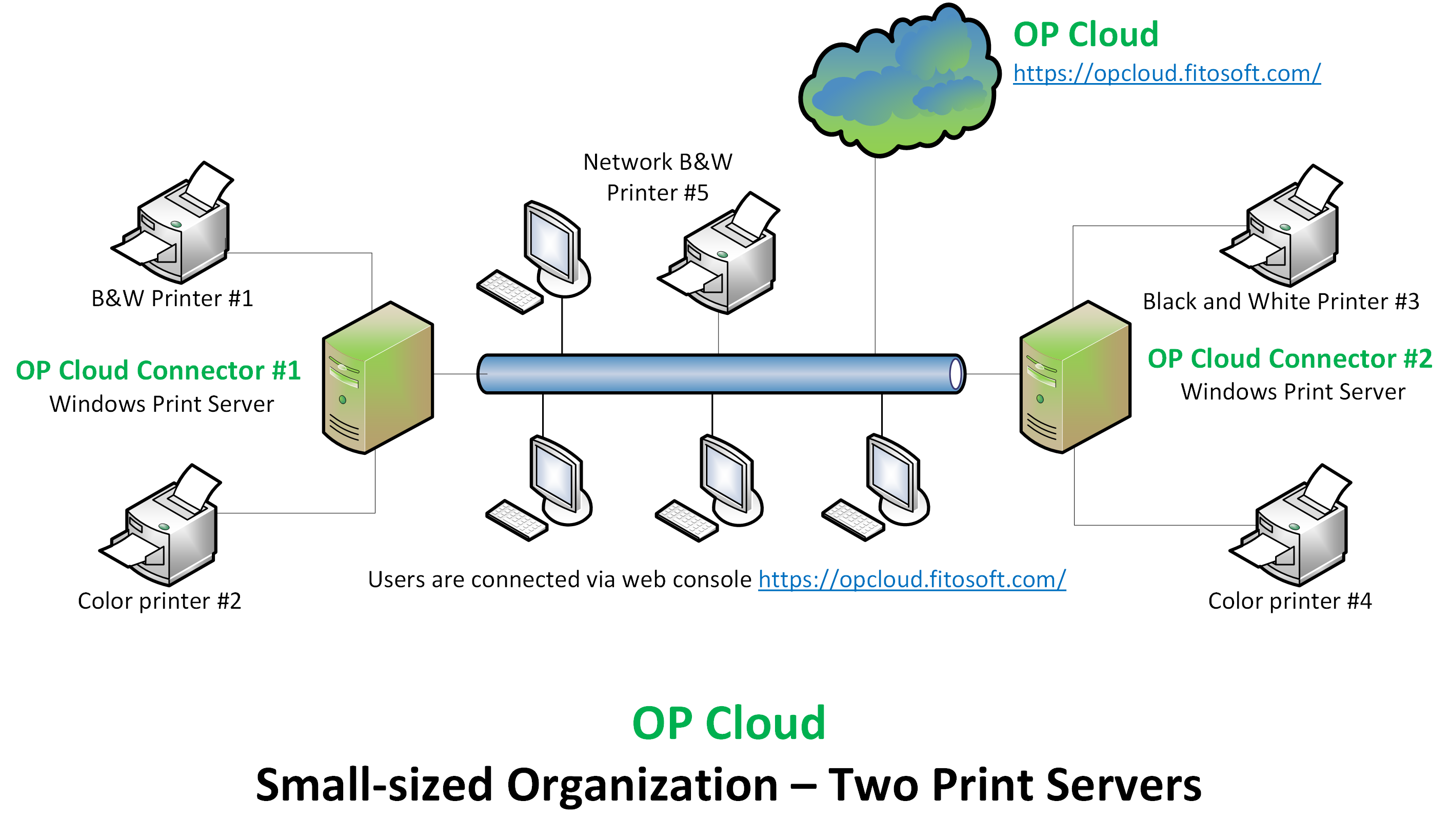
Tracks all printing activity
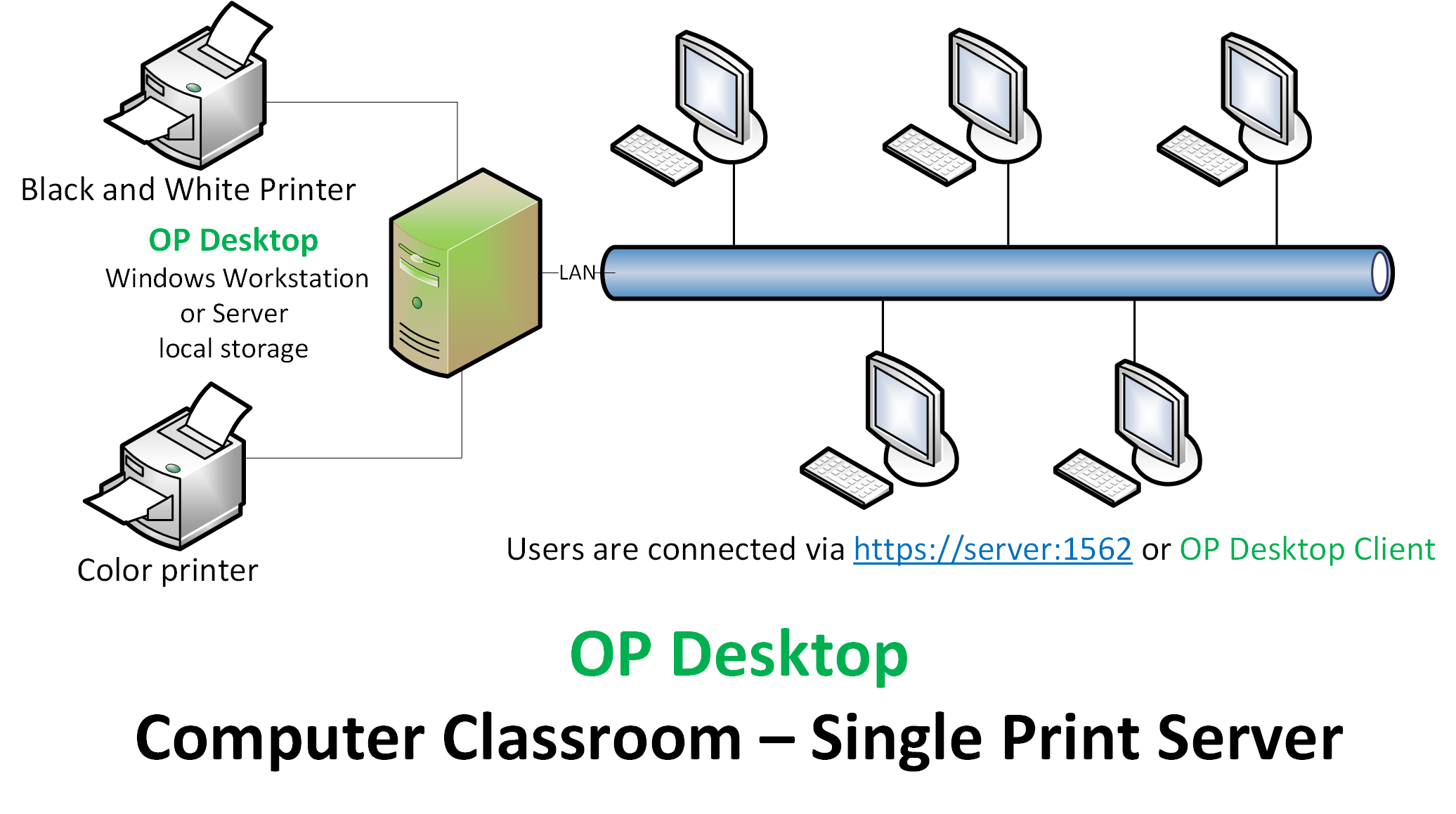
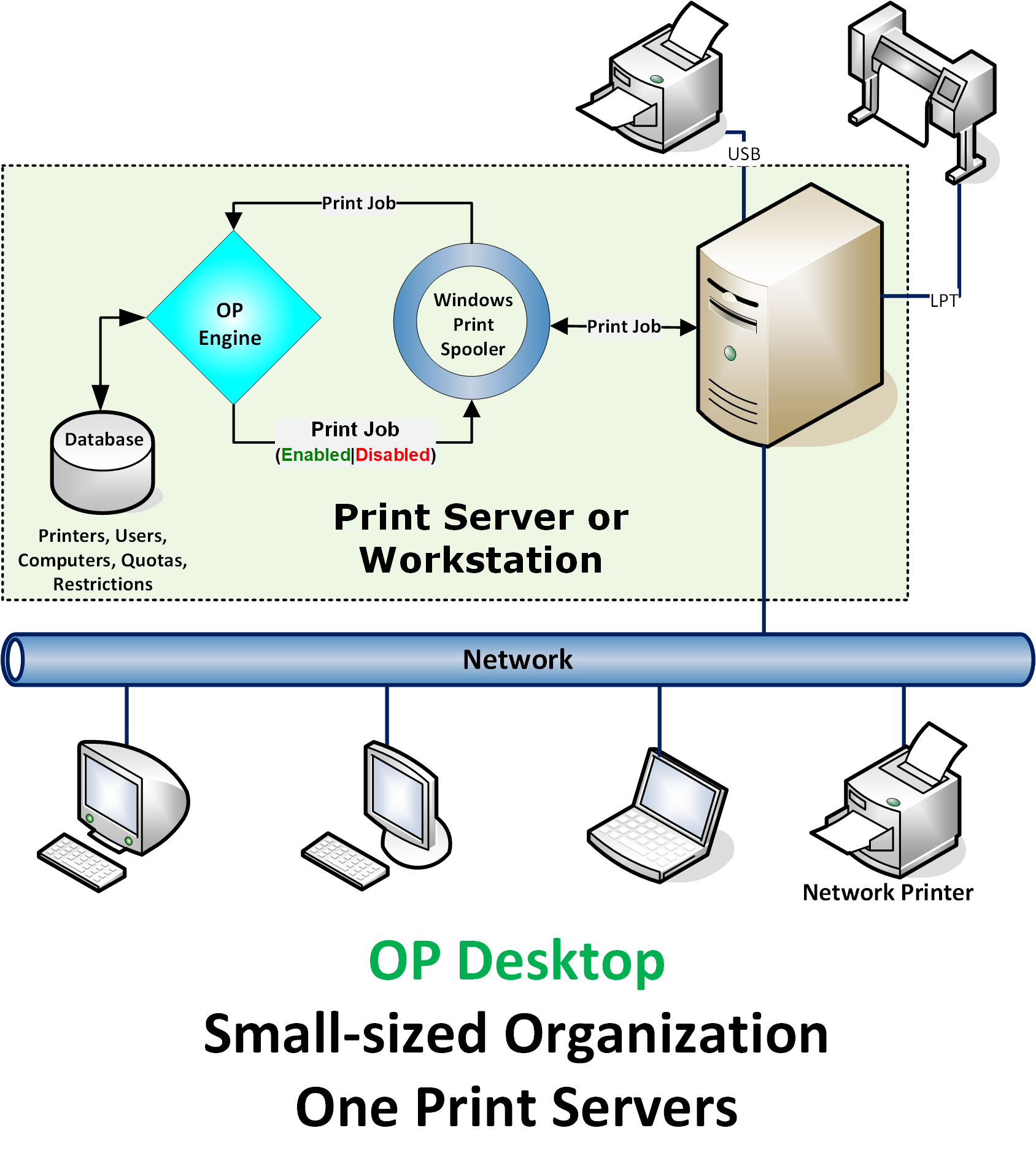
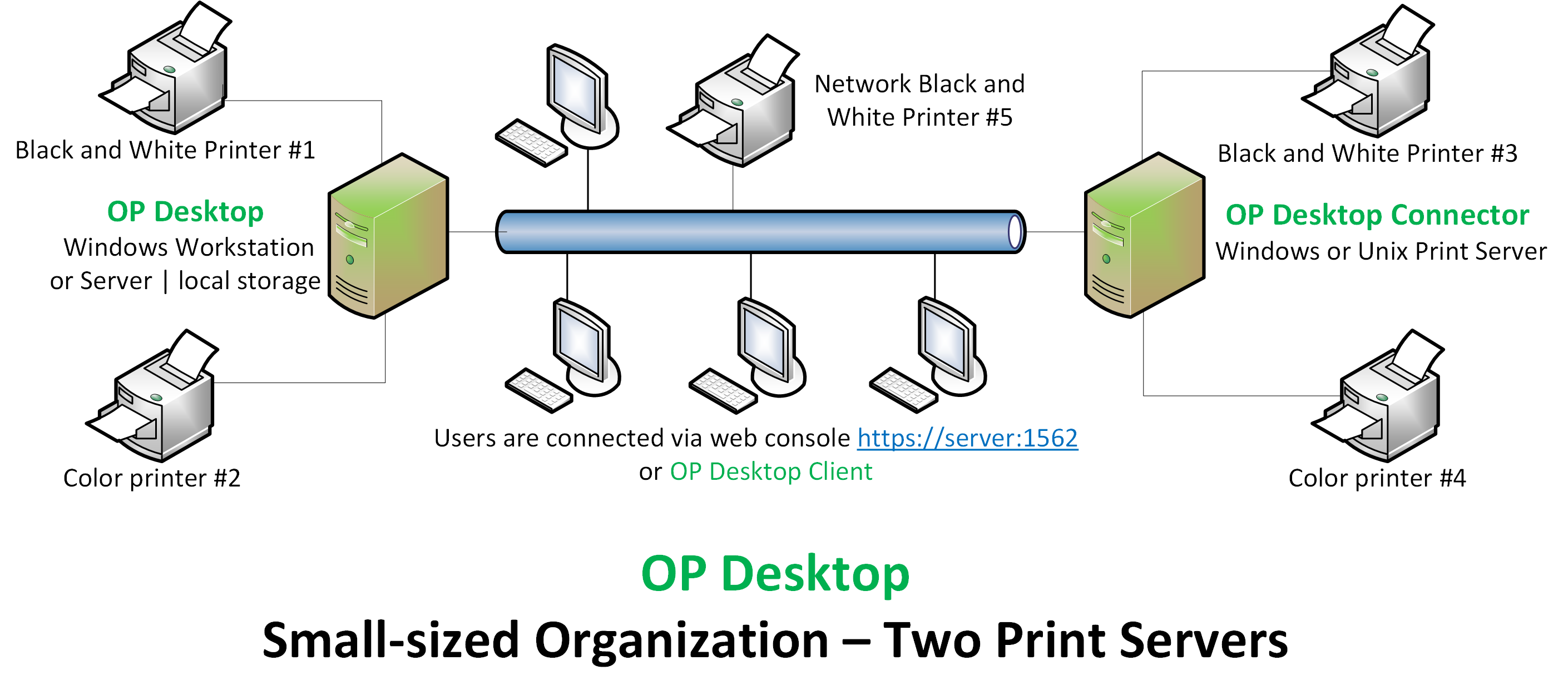
OP is designed to manage print jobs from workstations that are spooled to Windows server or workstation. Using specifically installed software, OP can track and control printing for shared and local printers on local or remote print servers/workstations. OP supports printers, users, computers, and groups in Active Directory and workgroup environments.
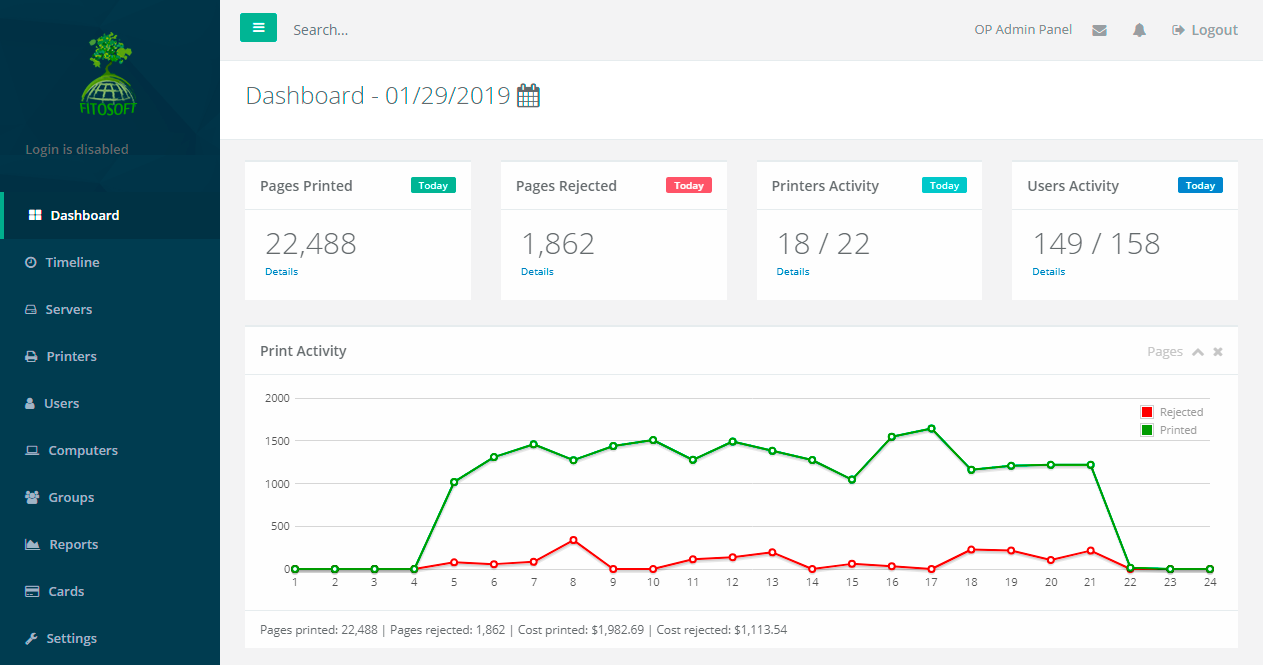
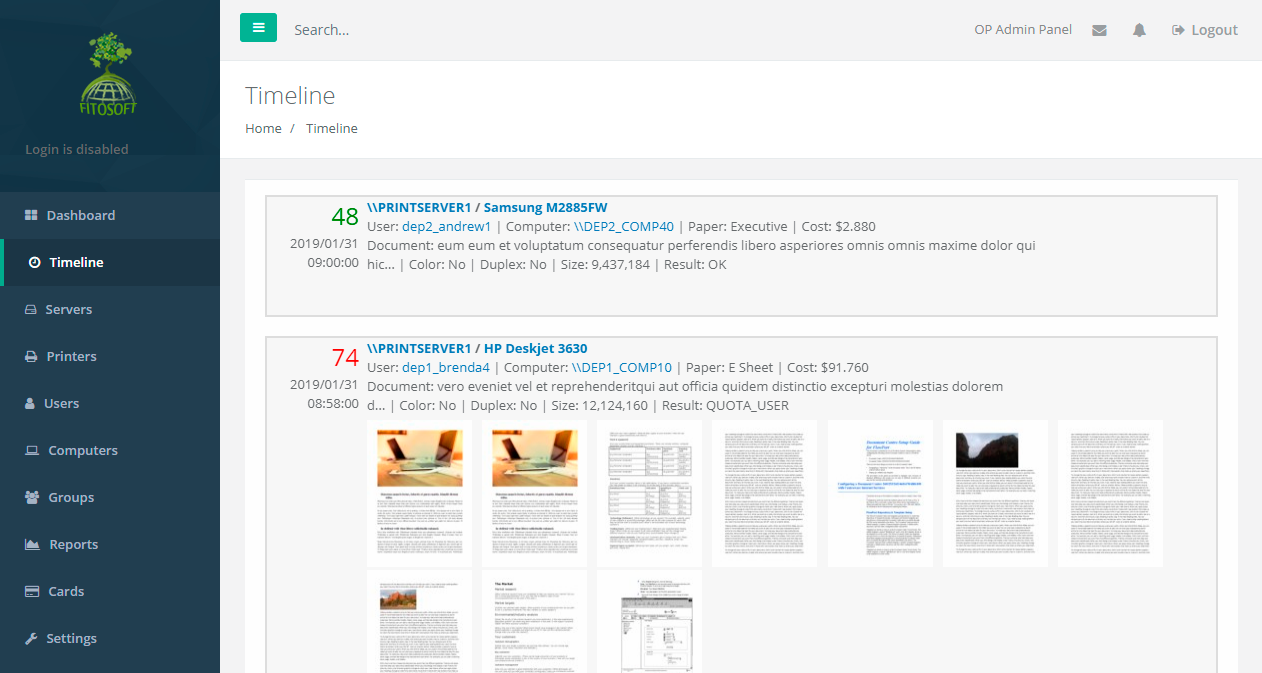
Web-based access
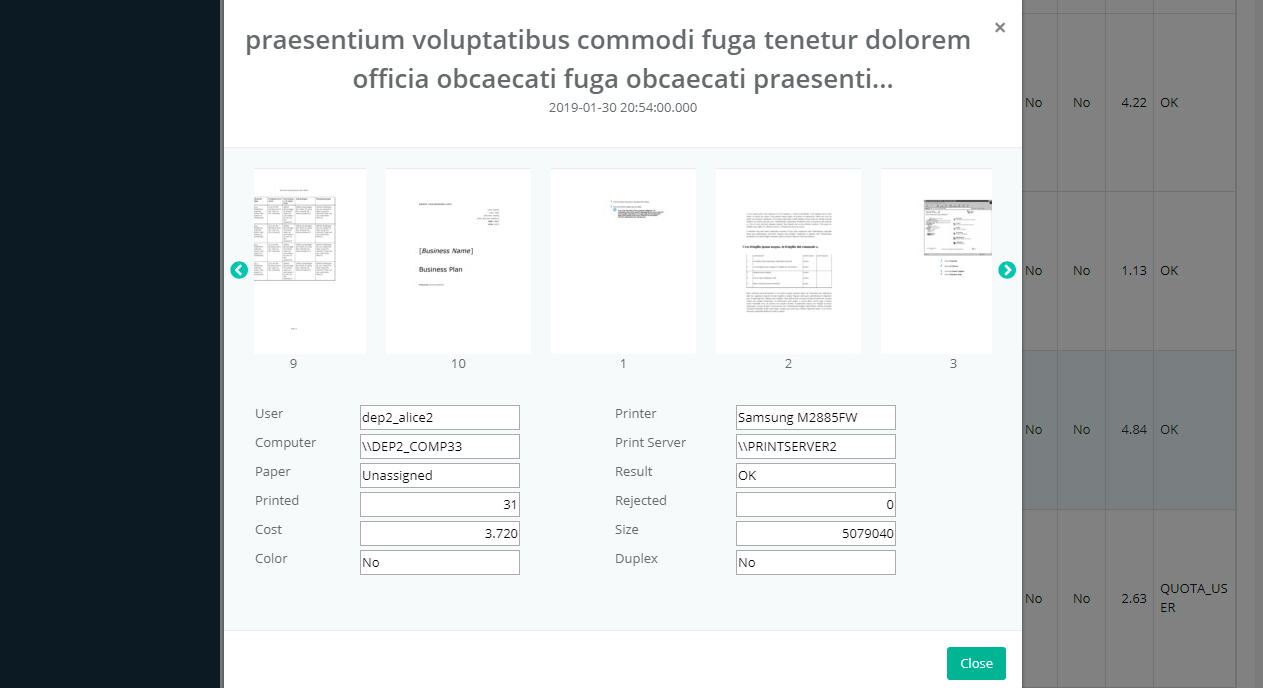
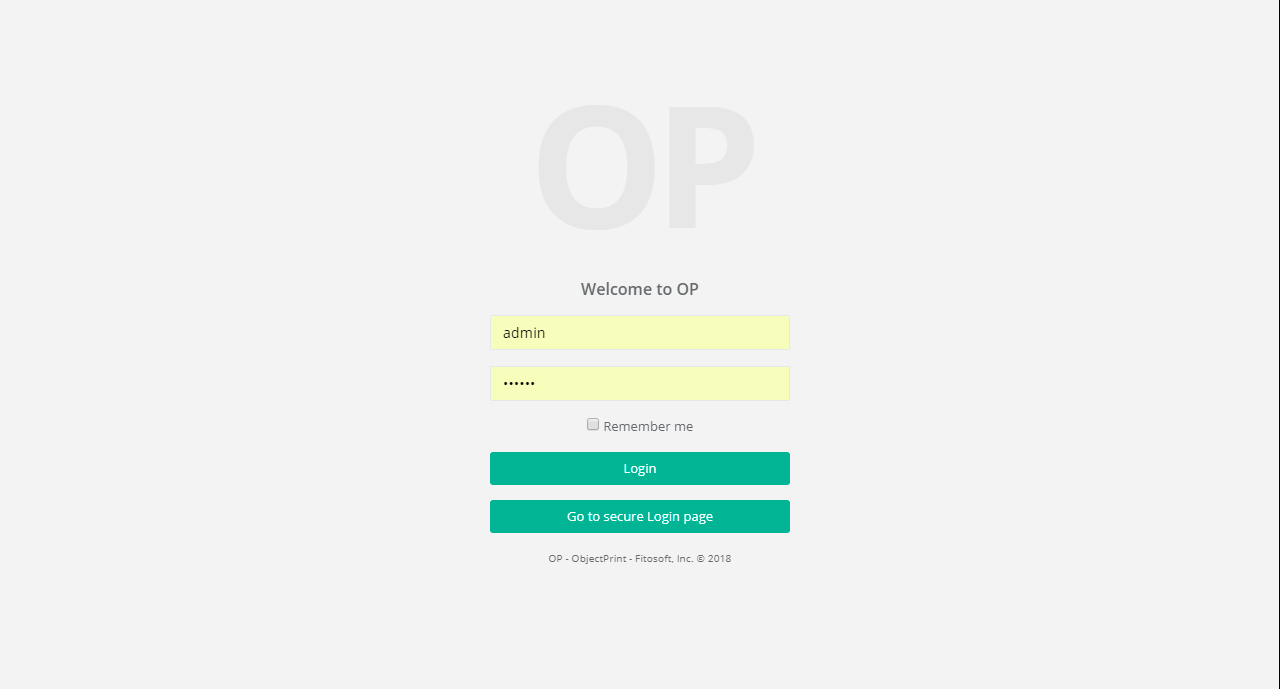
Every feature of OP can be accessed via the web application. End users do not need to download or install any software on their machines. The web application is served over HTTPS, allowing you to secure communications with an SSL certificate. All print jobs can be saved and viewed later as images. Print jobs may also include a preview image. When printing a document, it will be saved as images.
Control Printers, Users, Computers, and Groups with Quotas and Restrictions
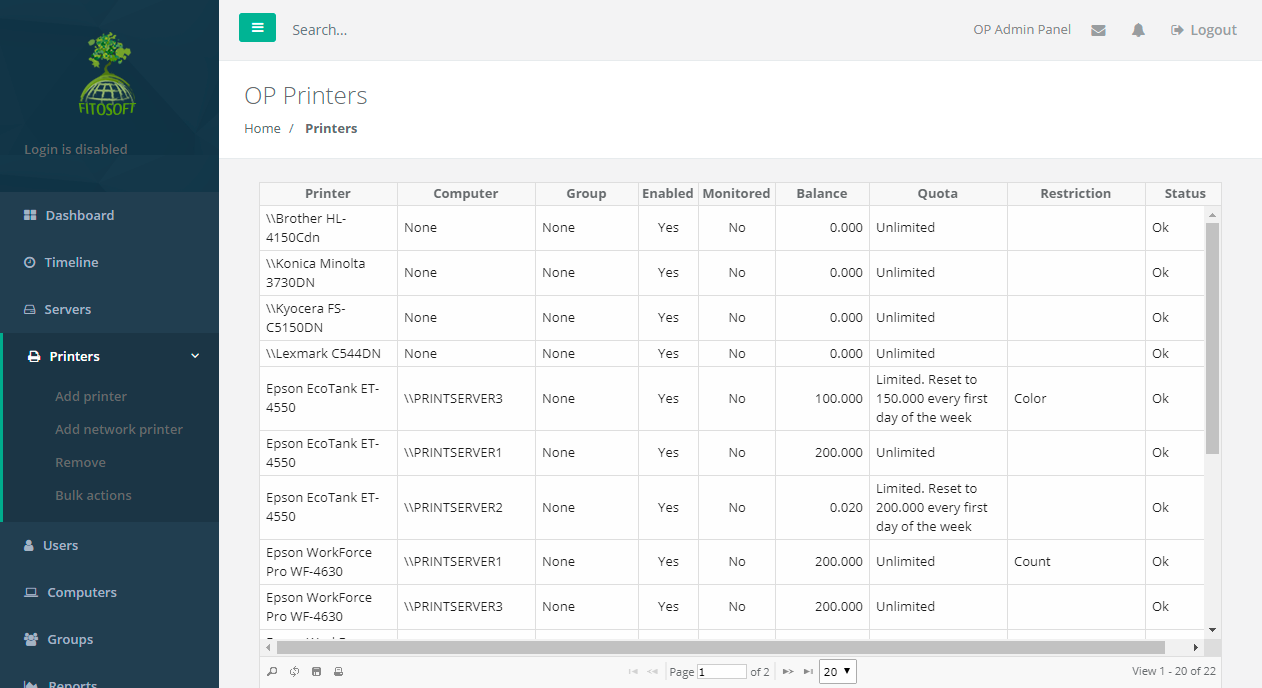
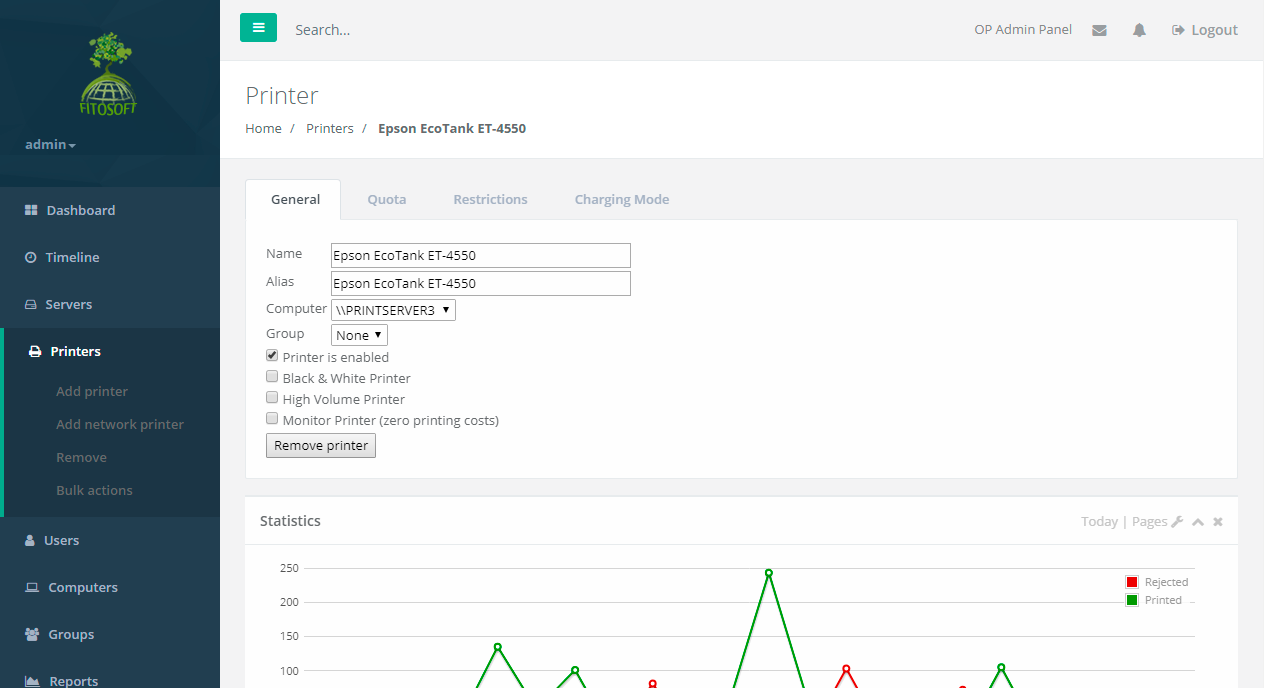
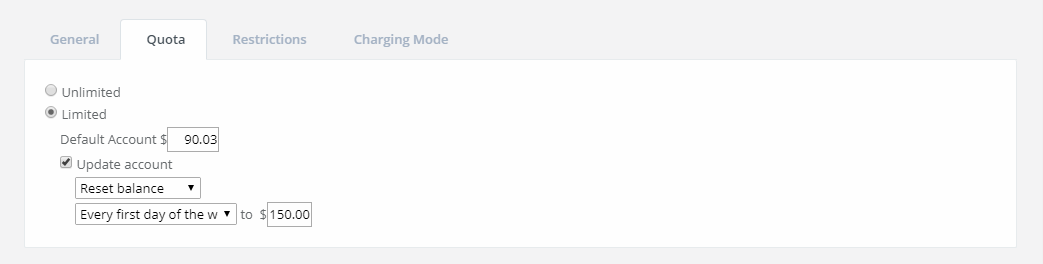
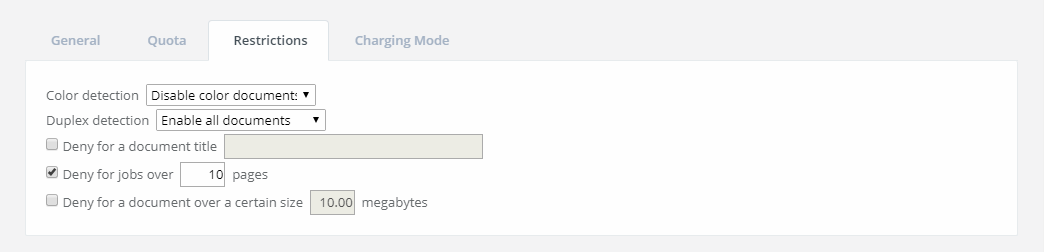
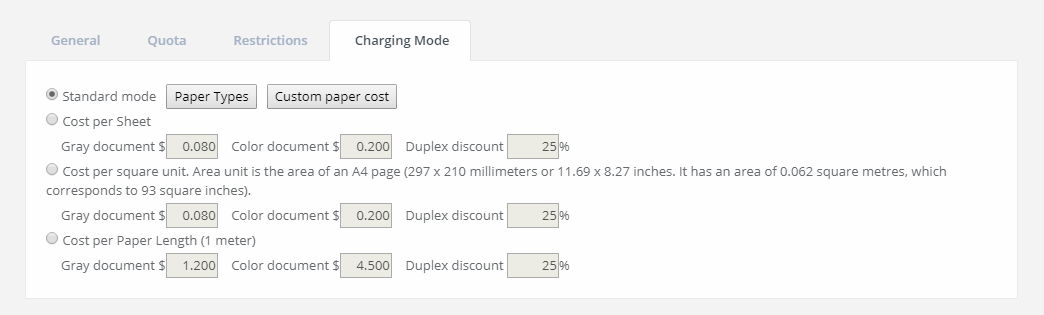
OP is used to control and restrict users/printers/computers/groups to ensure sensible print use by allocating a quota. Enter the account balance to be allocated to a user, printer, computer or group. The quota can be limited or unlimited. The quota panel can be used to automatically increase/reset the credit limit according to the amount and schedule specified. OP offers advanced filter options to filter or restrict printing jobs using a set of rules. Printing quotas and restrictions can be set for every user/printer/computer/group.
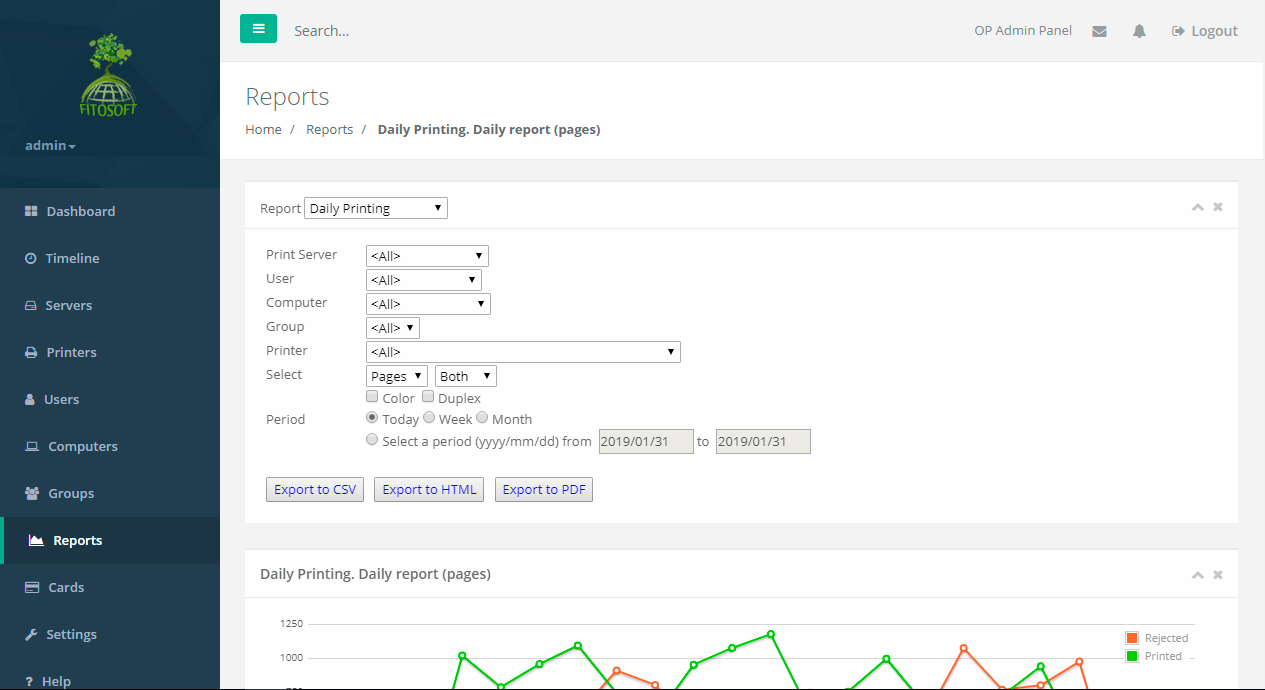
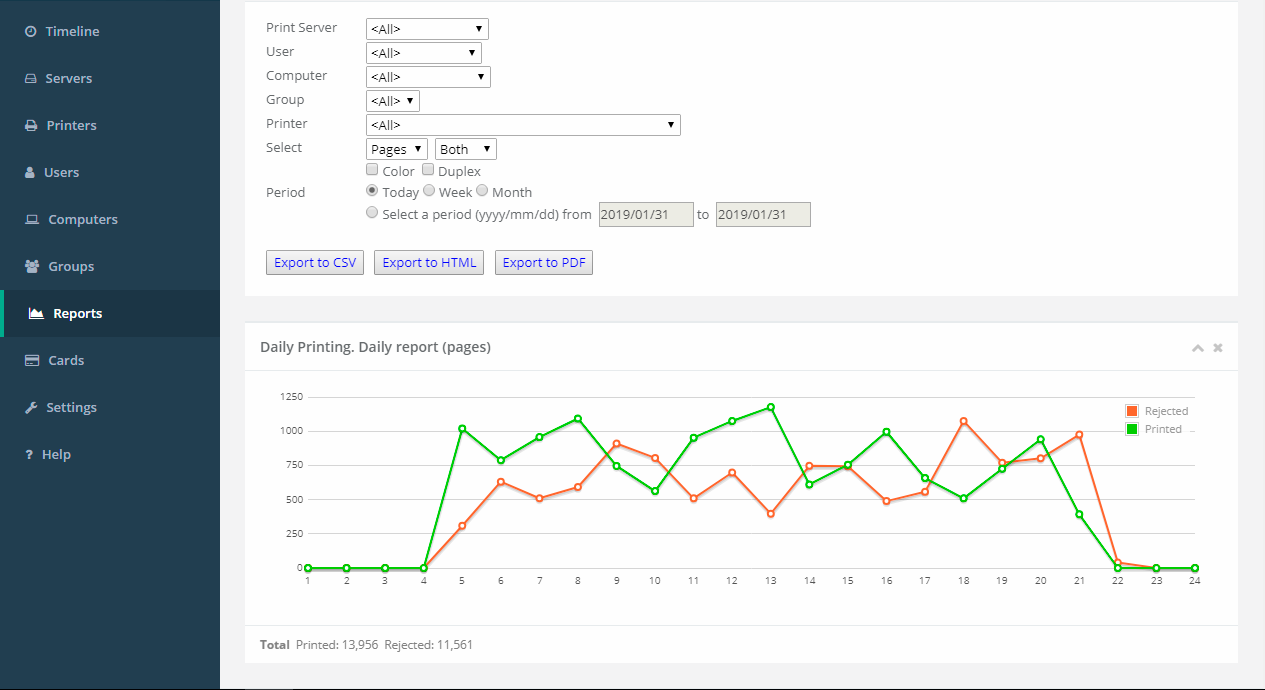
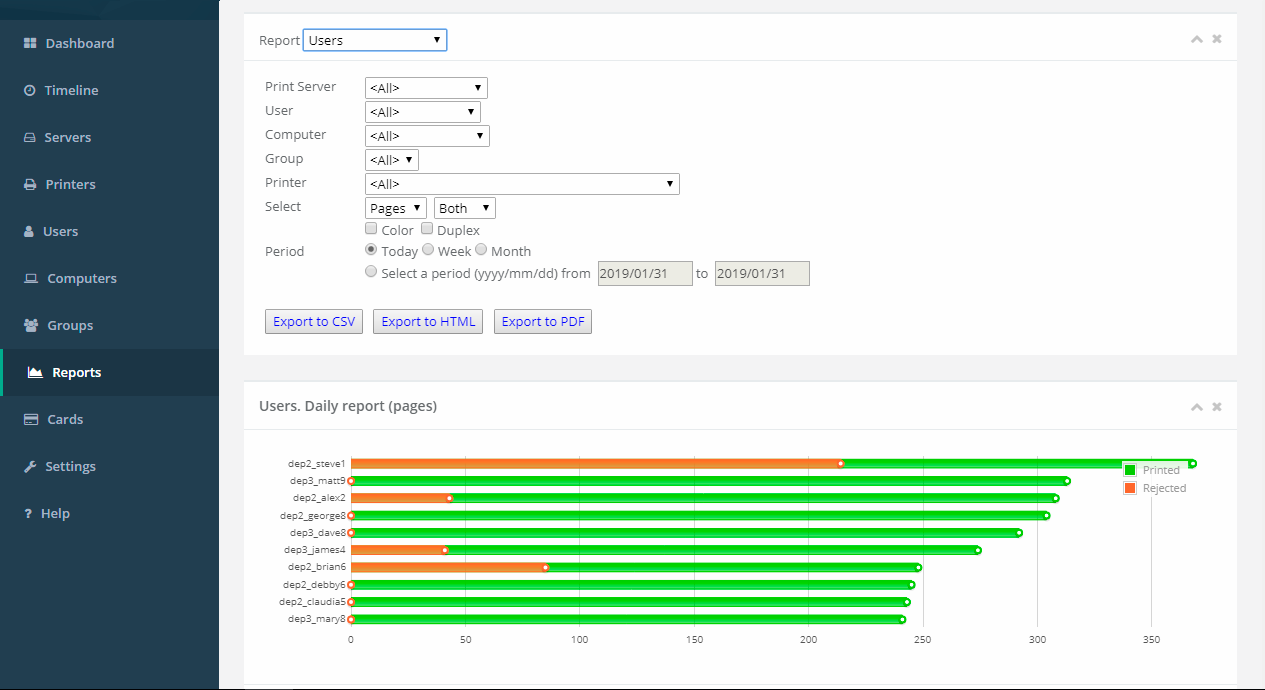
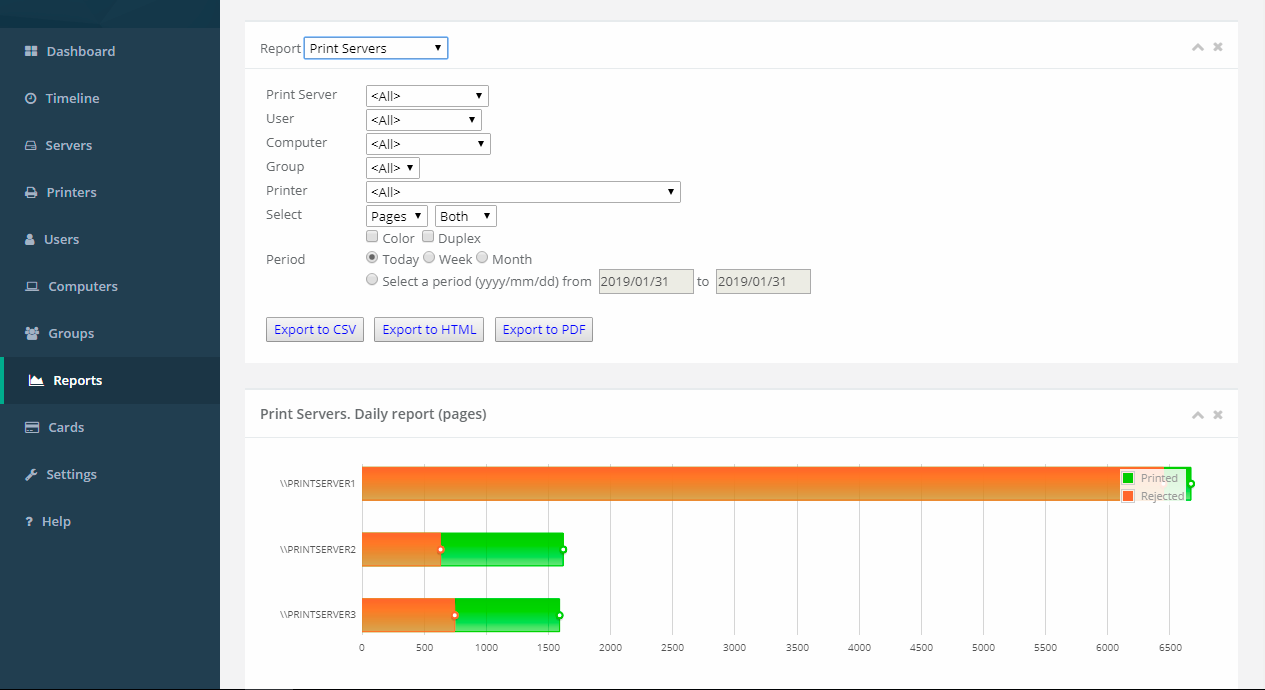
Advanced Reporting and Charts
Reports are designed for print cost analysis and client billing. They are typically generated to summarize user activity, printer activity, group activity, or computer activity. Standard reports include statistics for users, printers, computers, and groups (sorted by period).
Services for Users
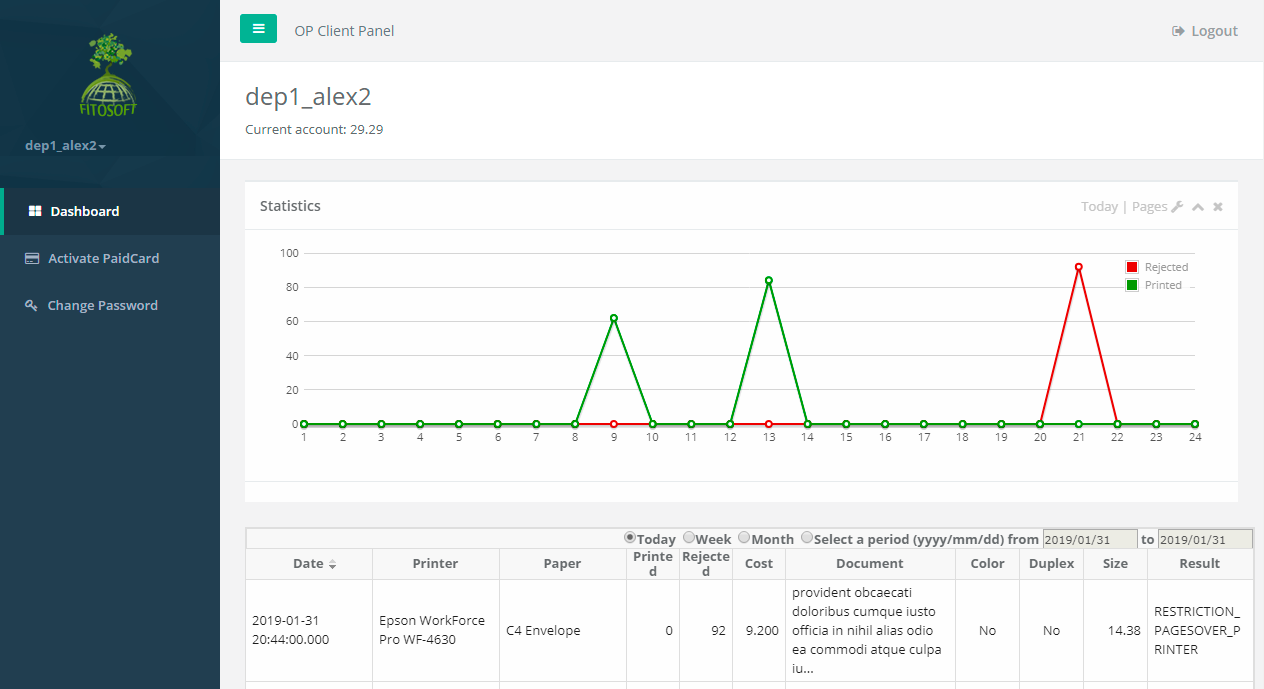
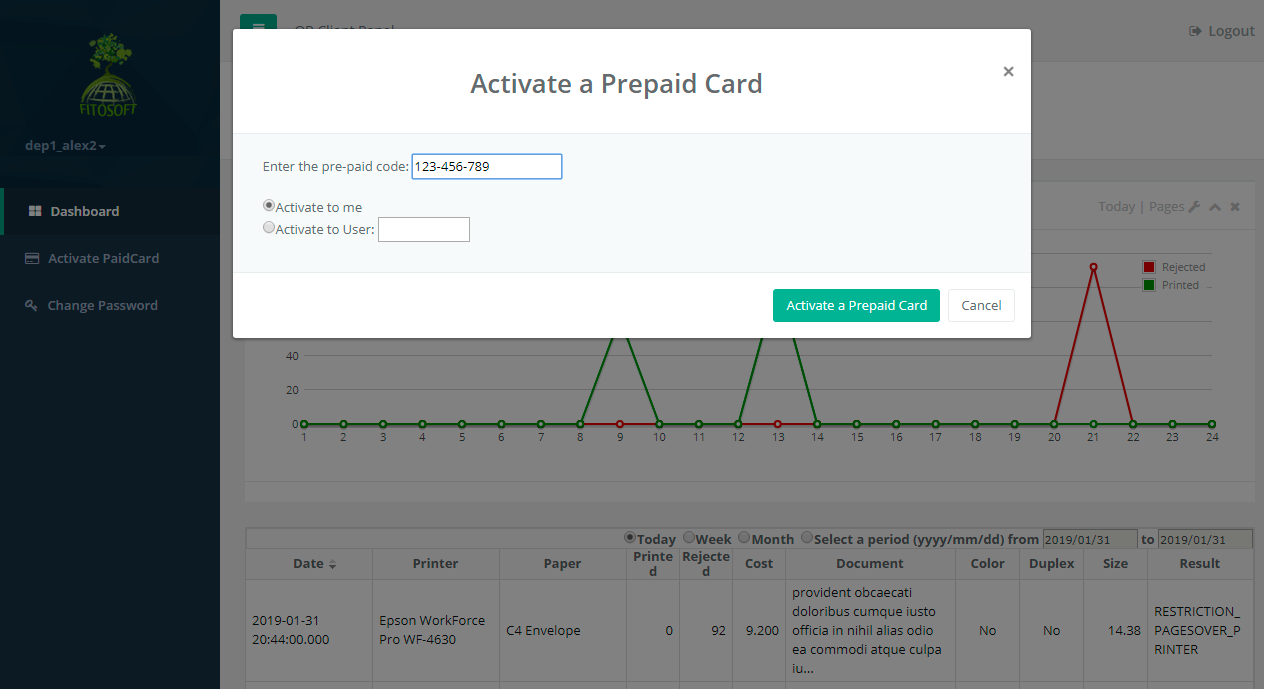
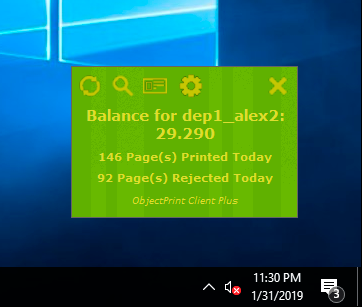
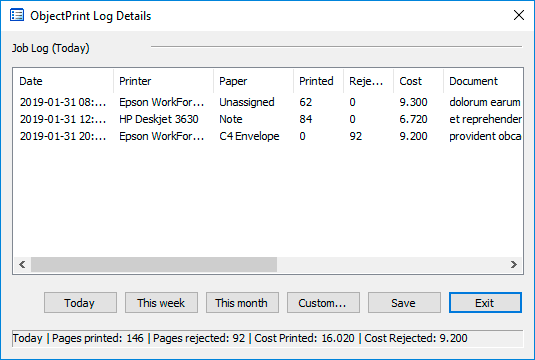
Using the OP User Control Panel and the OP Desktop Client software, users connect to various OP servers that provide information on their current print activities.
OP client features include:
- Control of the current balance, including accepted and rejected print jobs
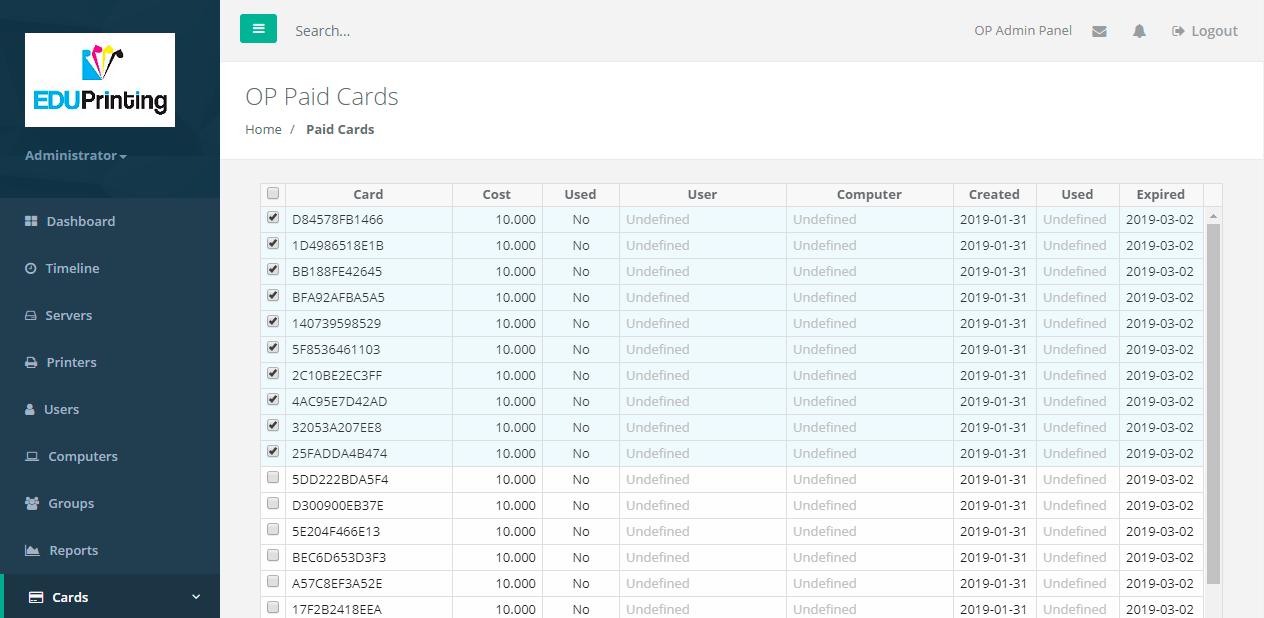
- Balance increase through prepaid payment cards
- Use of secure connections
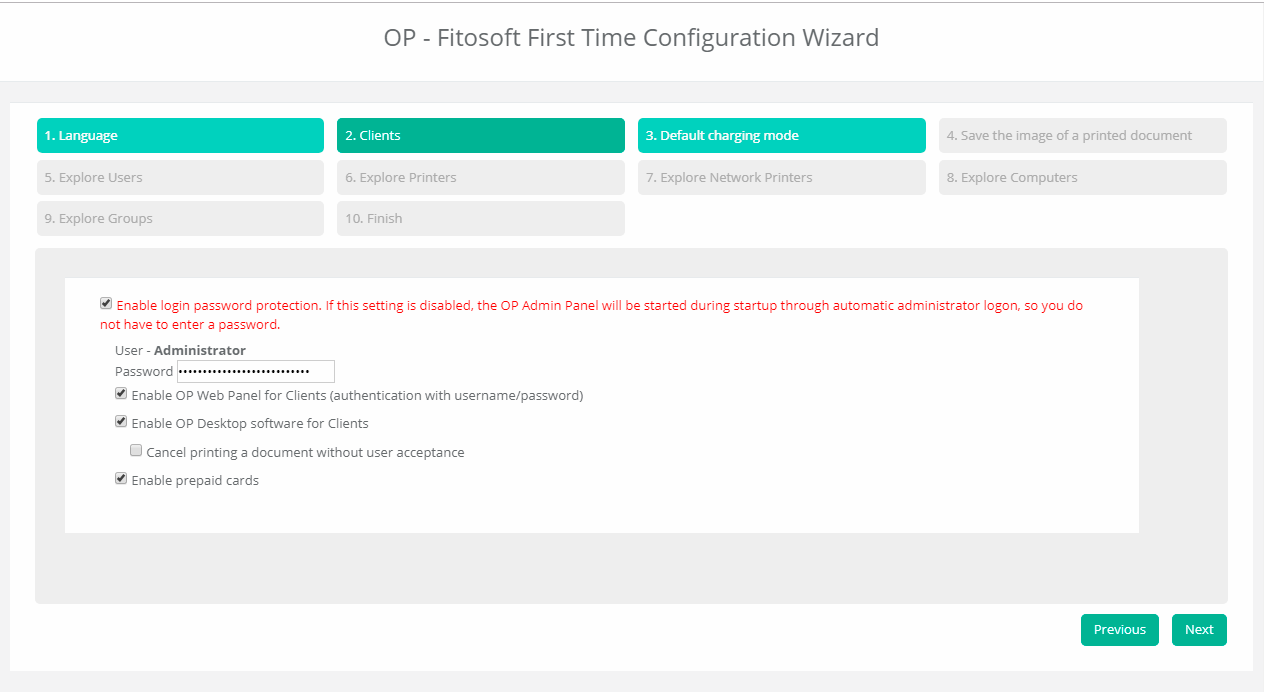
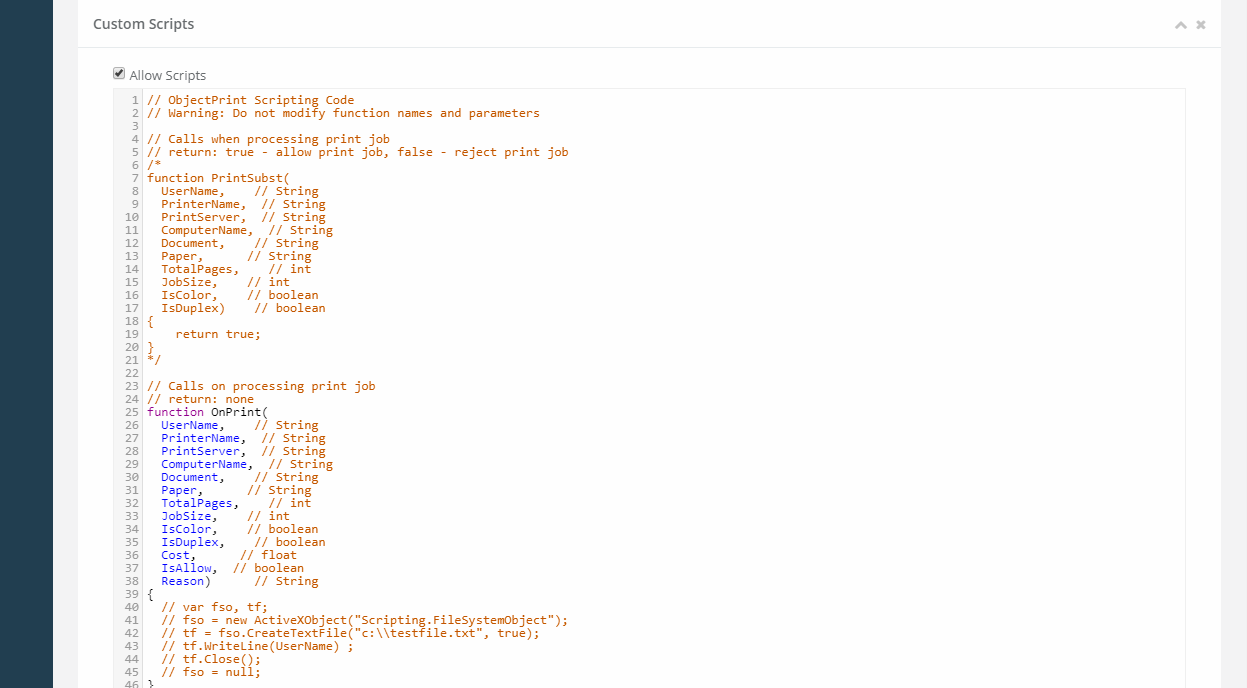
Logo image and additional options
- Logo image and custom link in OP Web Admin Panel
- Multilingual support
- Notification service
- First-time configuration wizard
- Prepaid cards
- Script triggers